
In GanttPRO there are two ways to share a portfolio. You can use:
- Share private link for a portfolio
- Share a portfolio with account members
You can read more about sharing a portfolio with the account members here.
In GanttPRO, you can easily grant access to your project portfolio to individuals who are not part of your team and don't have a GanttPRO account. This feature is particularly useful for sharing project updates with clients, partners, senior management, or other stakeholders.
How to share a link to portfolios
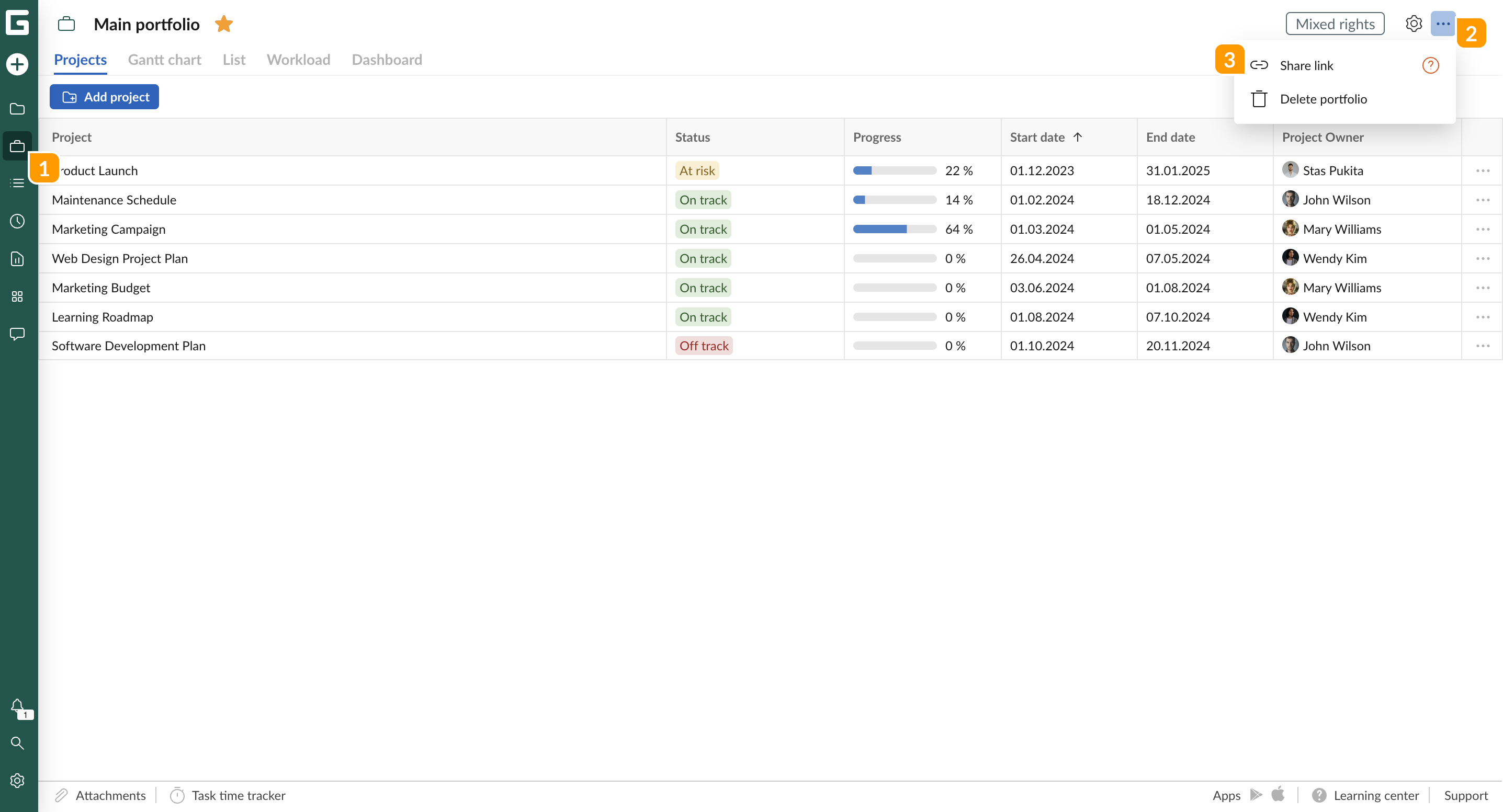
1 Open the Portfolio section from the left sidebar.
2 Click on the three-dots icon located in the top right corner.
3 Select Share link from the dropdown menu.
The steps to create a shared link for a project portfolio are identical to those for an individual project. Check the details here.