
In GanttPRO there are two ways to share a portfolio. You can:
- Share private link for a portfolio
- Share a portfolio with account members
You can read more about sharing a portfolio using a shared private link here.
In GanttPRO, you can also invite people from your account team to the project portfolio. Please, read here about inviting people to your account team.
How to invite people to portfolio to collaborate
You need to open People tab 1 in the portfolio in which the person should be invited to. Click on the Invite users 2 and select a person from the list.
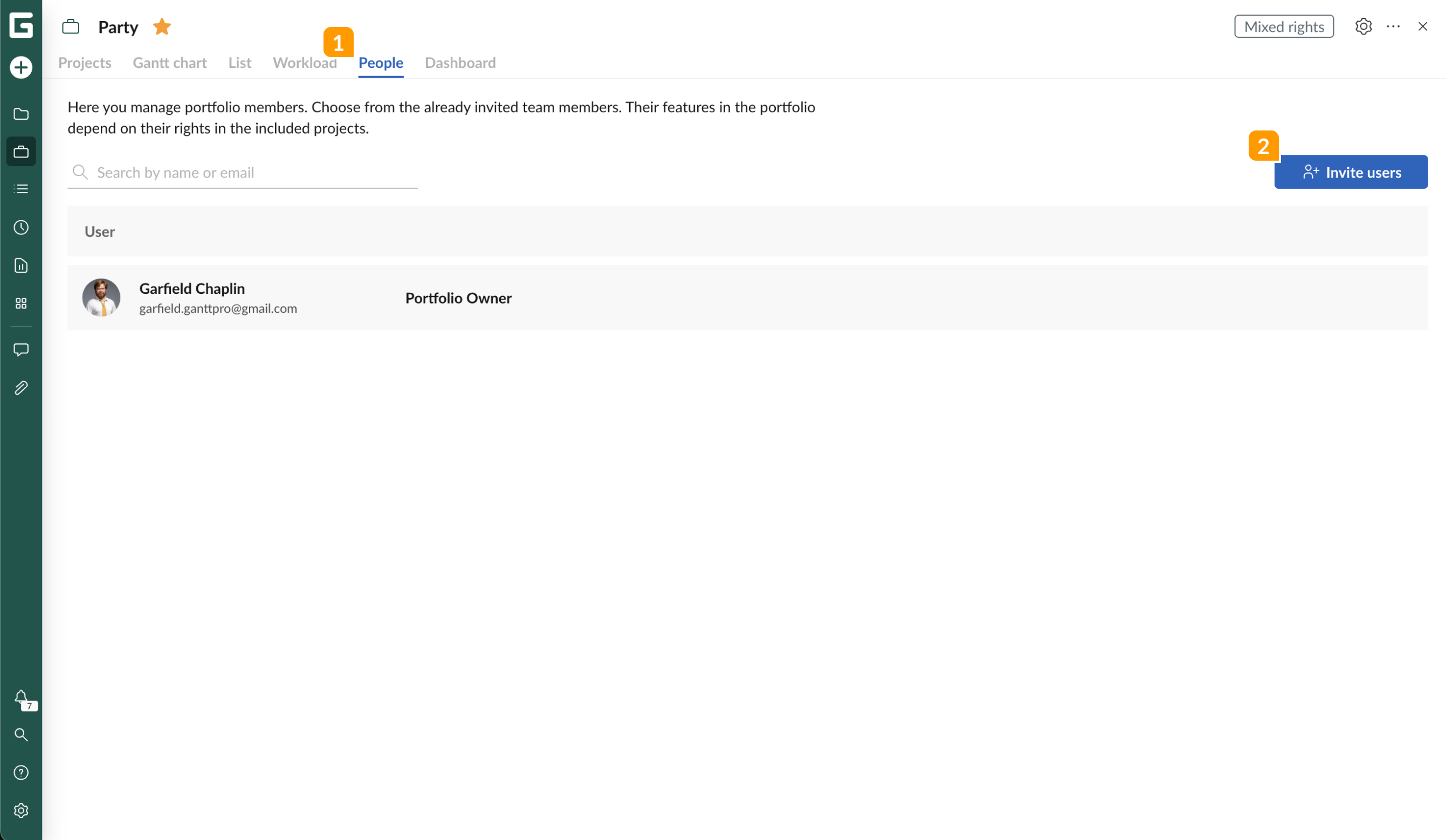
If the invited user doesn't have access to the project in a portfolio, then for this person the project will be blocked on the portfolio list.
Note: the permission to edit or share a private link to a portfolio is only available for the portfolio owner.
How to delete a person from a portfolio
Only the account owner can delete people from the portfolio. The owner needs to open People tab and click on the corresponding icon.
The invited user can also leave the portfolio manually.