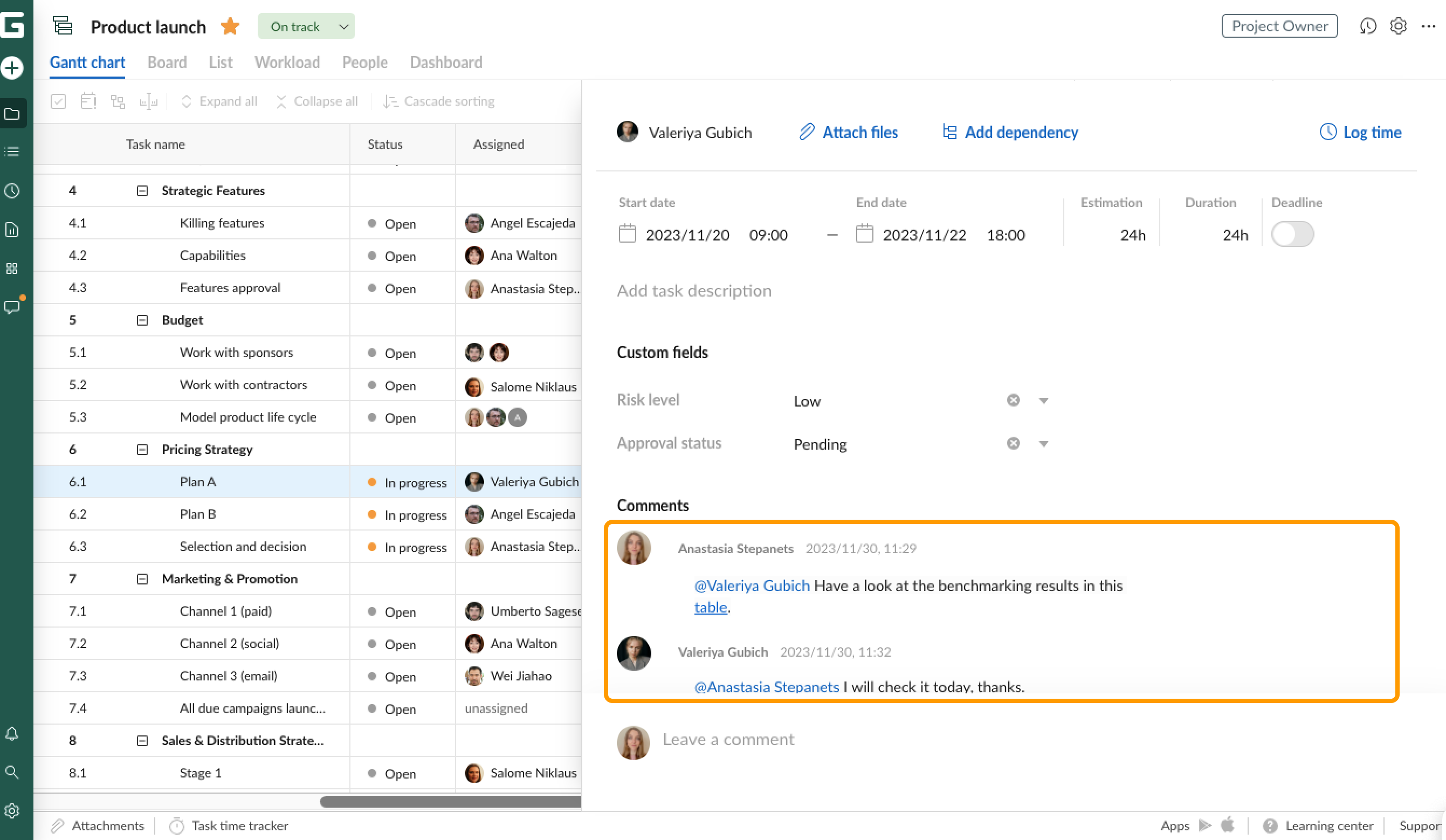
To address a comment to a particular team member, use Mentions. Type the @ sign in the Comments field in the Communication hub or in Task settings. Then, choose a person you want to mention in the drop-down list. If this person has enabled mentions in notification preferences, s/he will be notified about the mention in a comment.