In GanttPRO, there is a possibility to restore archived projects.
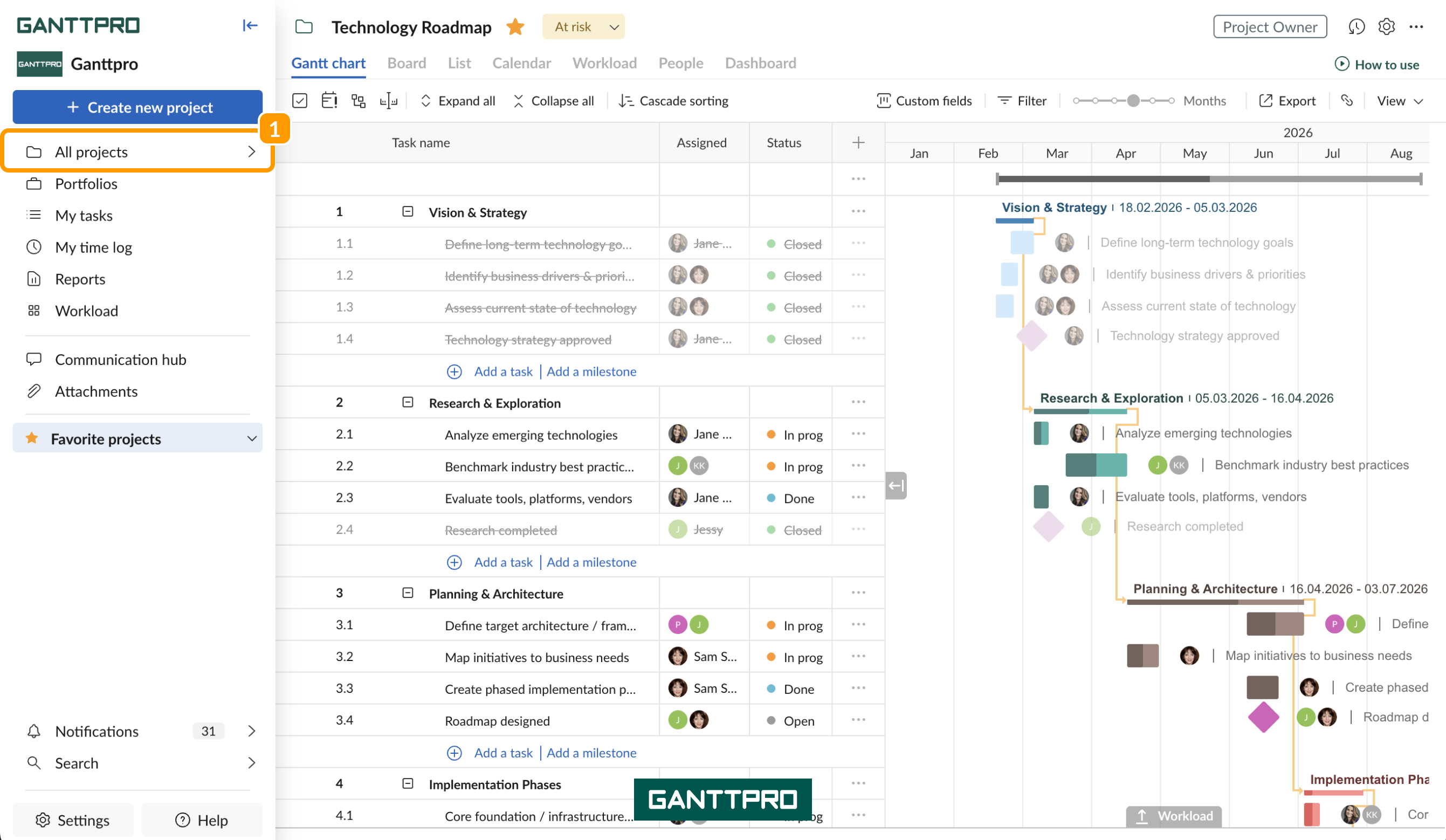
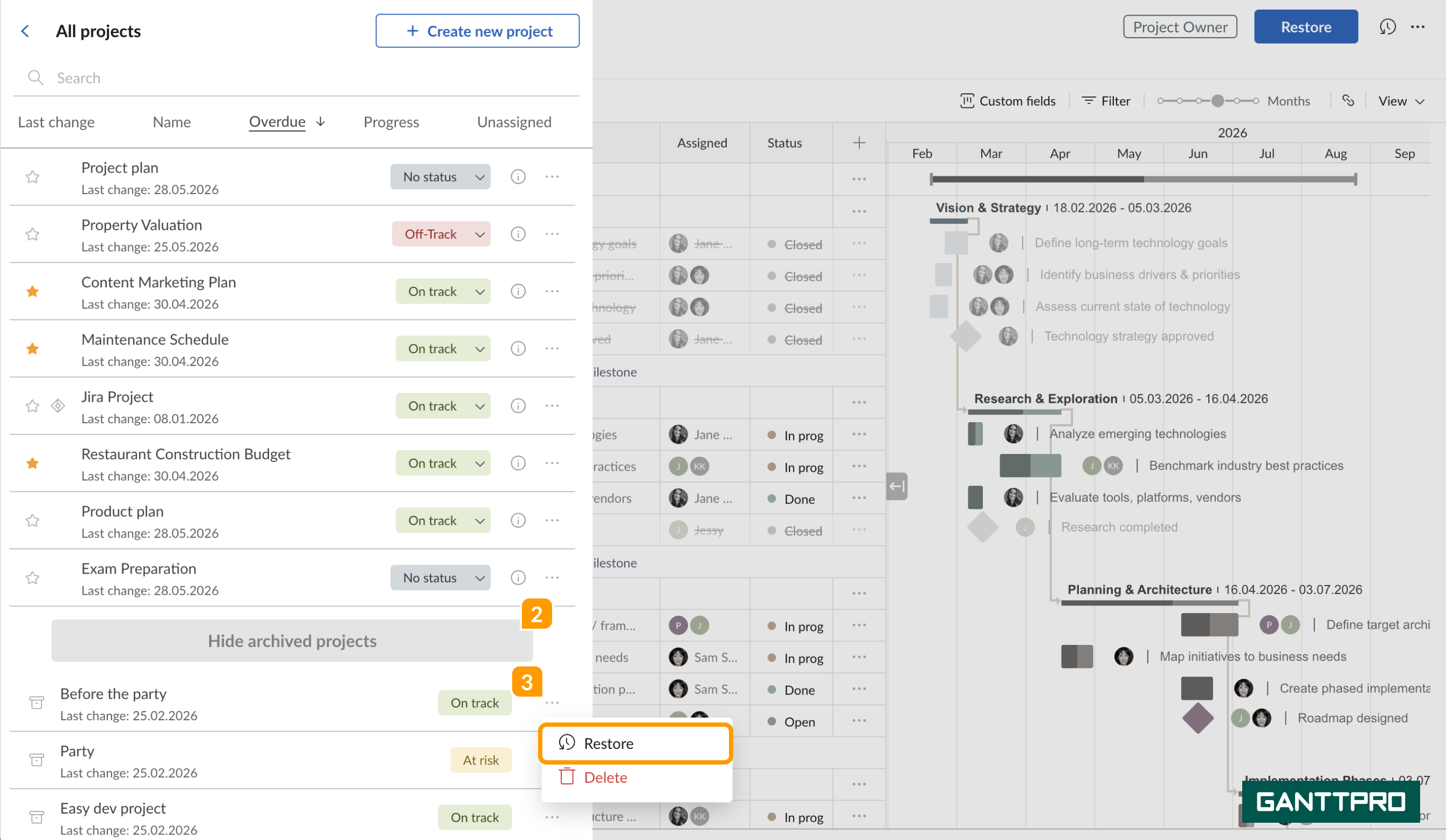
To do that, click on the All projects 1 icon in the left sidebar and select Show archived projects 2. Choose the project you need to restore and click on the three dots near its title 3. Then, click on Restore.
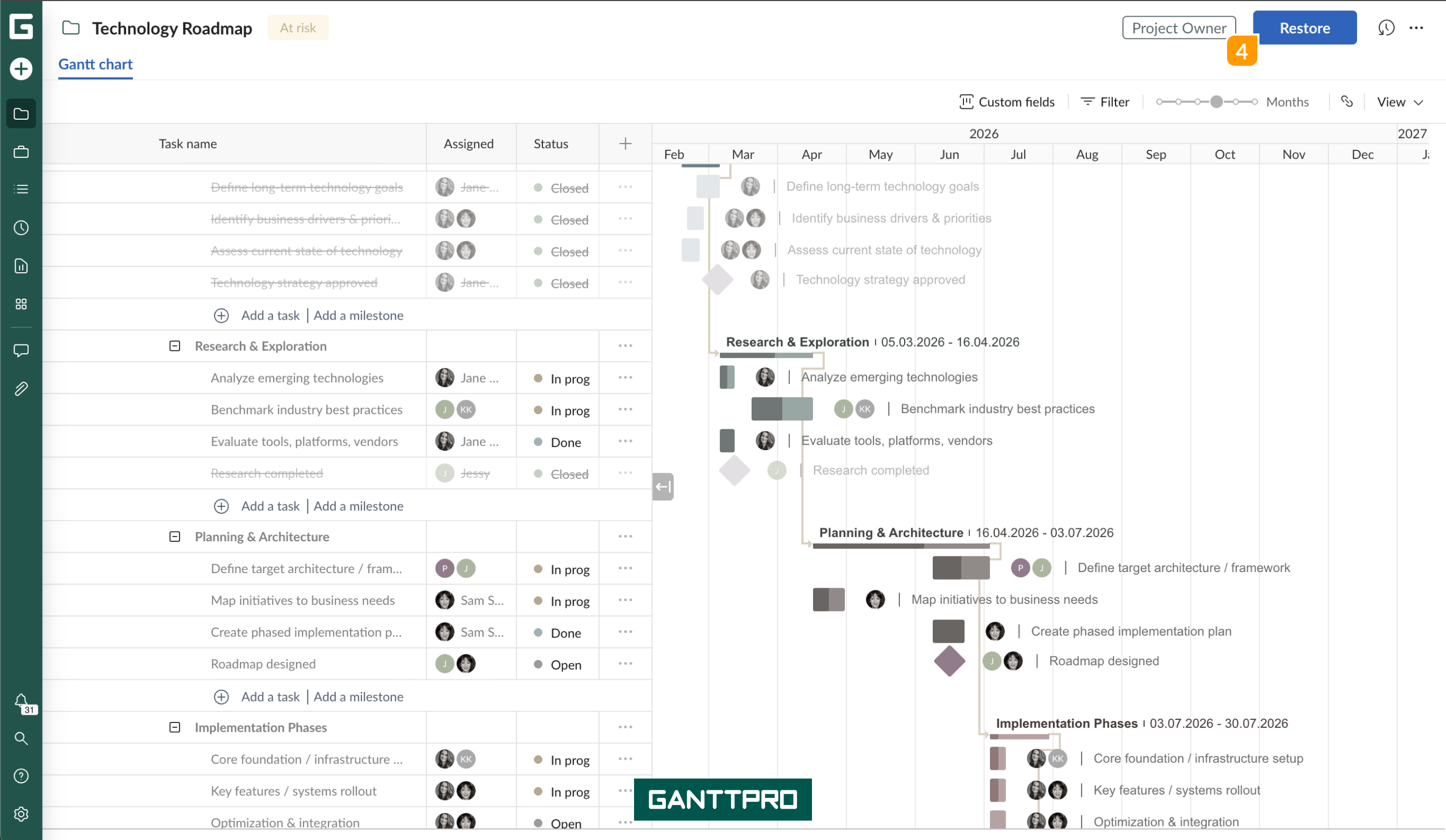
Alternatively, you can open the archived project and click on Restore 4 at the right upper corner.