
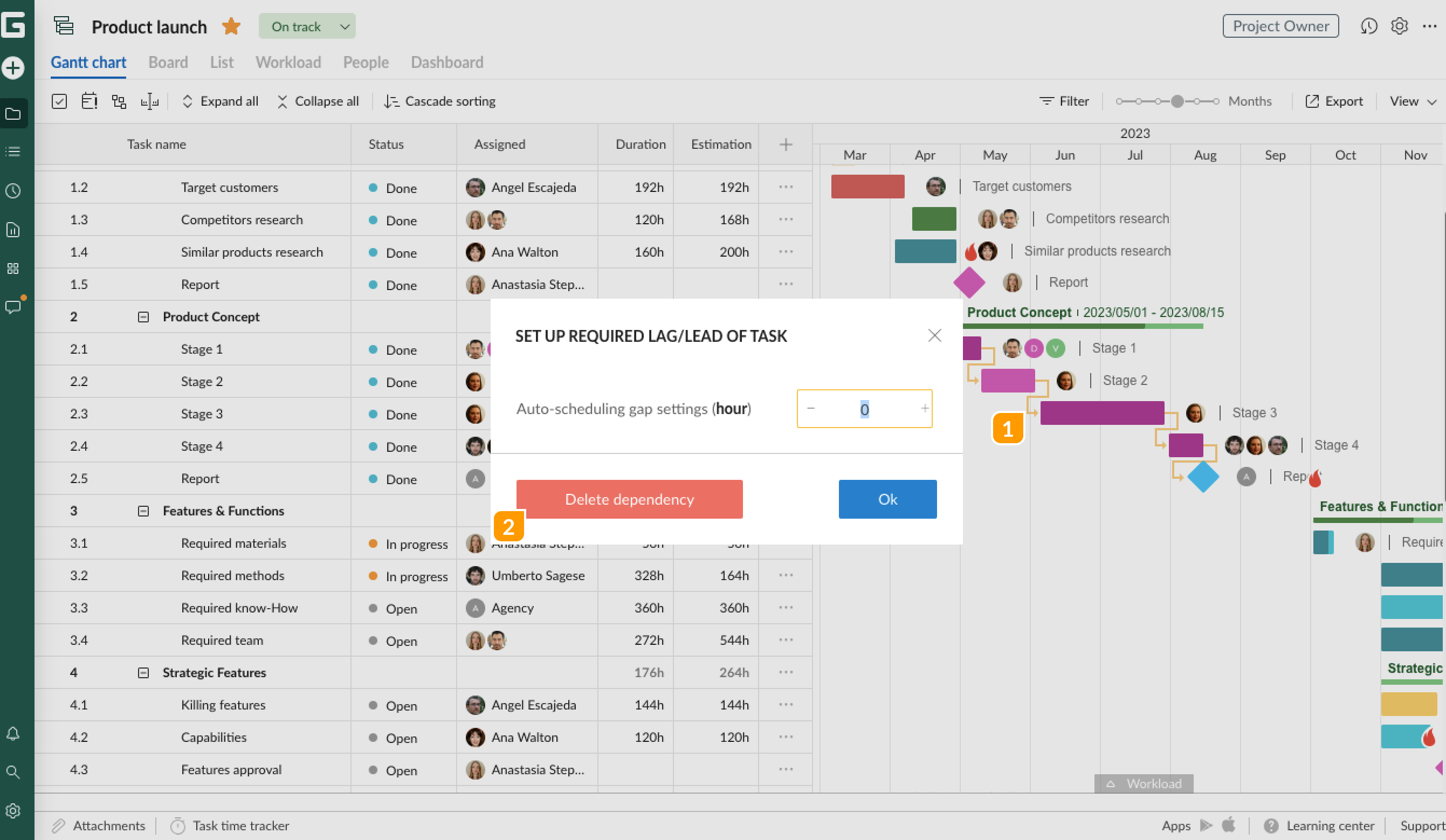
To delete dependencies between tasks on your Gantt сhart, click on the arrow between the corresponding tasks 1 and select Delete dependency 2 in the window that will appear.
Alternatively, open Task settings and remove dependencies from there by clicking on the delete icon when you hover over it.